
October 21, 2026 · 1 min read
How to move your flight history out of OpenFlights or TripIt
A step-by-step guide to exporting your past flights and trips, cleaning them up, and keeping them in one record you own.
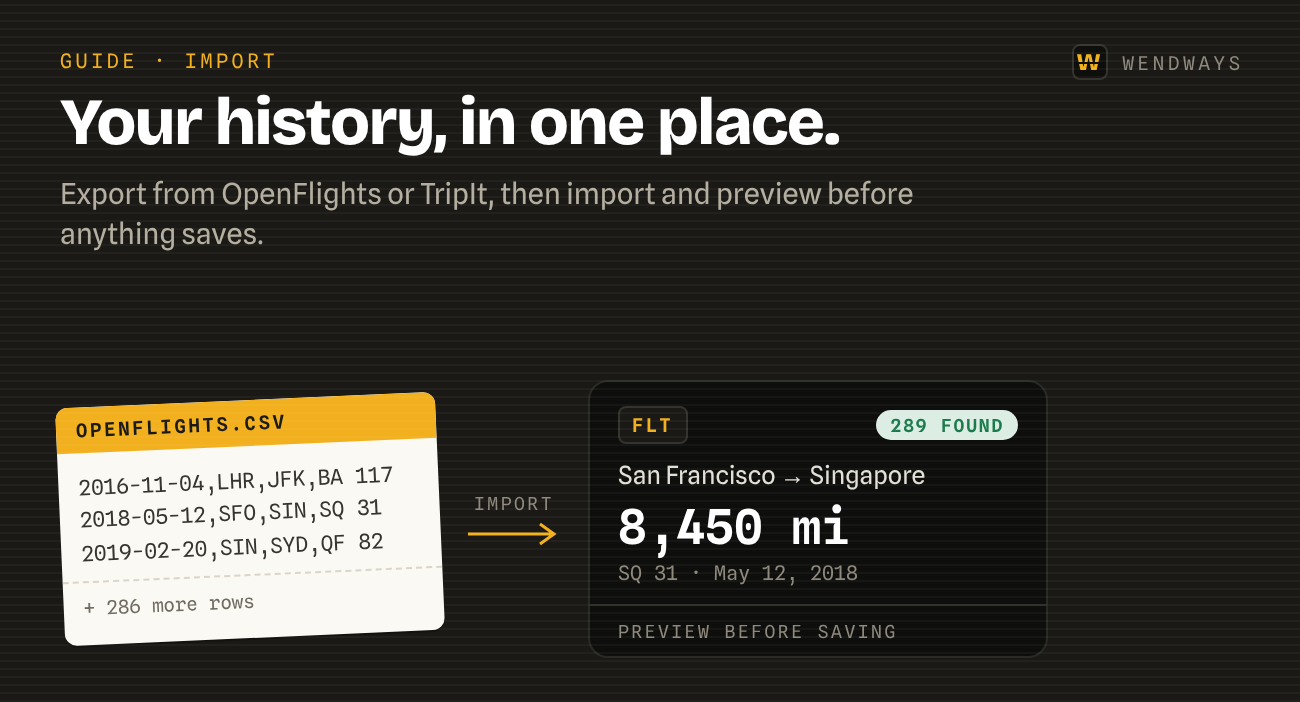
Your flight history is probably in three places: an OpenFlights log, a TripIt account, and an inbox full of confirmations. Here’s how to pull it into one record.
From OpenFlights
- Sign in to OpenFlights and open your flight list.
- Use Backup to CSV to download every flight.
- In Wendways, open Import and drop in the file.
- Review the preview. We match airports, compute great-circle distances, and flag duplicates before anything saves.
- Confirm. Your flights appear on your map with lifetime stats.
The full walkthrough is on the OpenFlights import page.
From TripIt
TripIt comes across as an export you upload, not a live connection.
- Export your TripIt trips with a small helper.
- In Wendways, open Import and upload the file.
- Each trip arrives as its own Wendways trip, in every mode TripIt stored.
The steps and what to expect are on the TripIt import page.
From your inbox
For trips that never made it into any app, forward the original confirmation email to your Wendways capture address. Screenshots of bookings work too.
Keep it portable
Whatever you bring in, you can take out. Export your whole record as CSV or JSON at any time, on the free plan.