
Stop retyping bookings: how capture works
Forward emails, share screenshots, and let Wendways turn messy confirmations into a clean plan. Here's what it reads, what it doesn't, and what happens to your data.
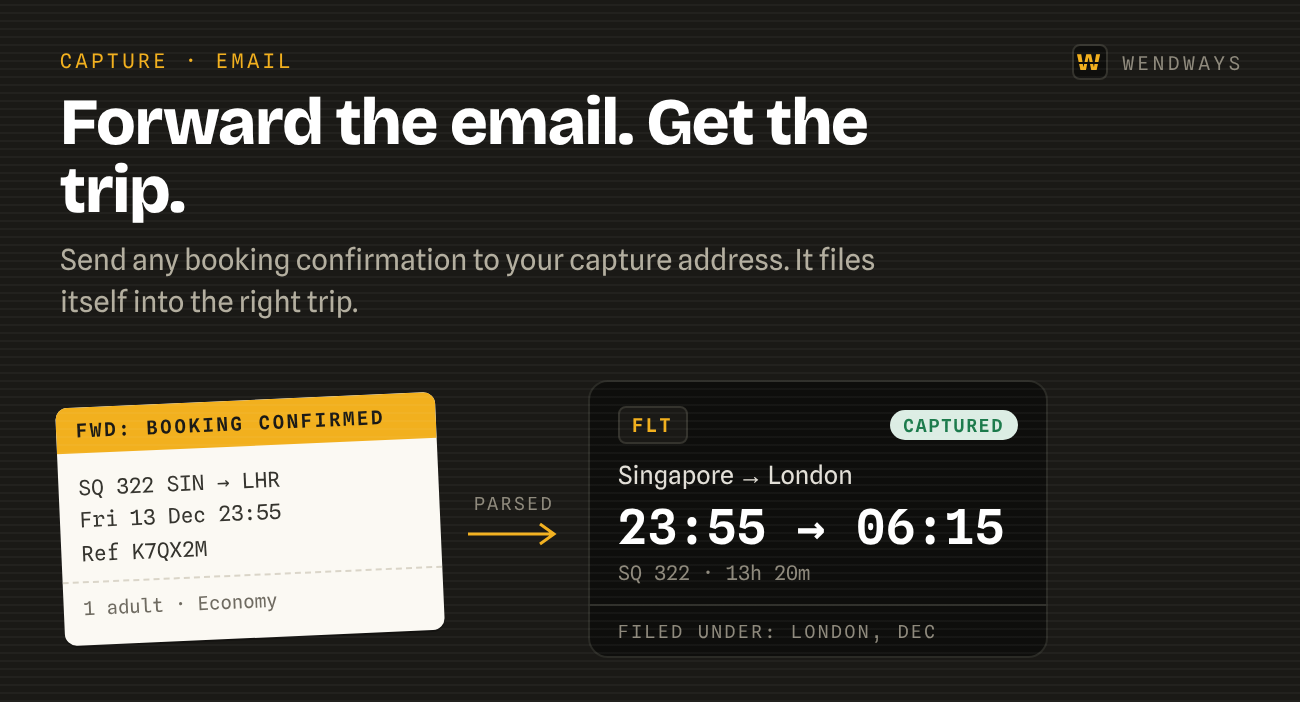
The most tedious part of travel planning is re-entering details you already have in an email. Capture removes it.
Three ways in
- Forward the email. Send any confirmation to your personal capture address.
- Share a screenshot. A booking page, a ticket, an app screen.
- Add it by hand when you’d rather, with the same structured fields.
What it reads
Flight numbers, times, airports, seats, booking references, hotel check-in and check-out, train and ferry legs, and restaurant reservations. When a trip arrives across several emails, the pieces merge into one trip instead of duplicating.
What happens to your data
Parsing runs on AI providers with zero data retention, so your emails aren’t stored or used for training by them. Your records live on servers in Singapore. We don’t sell personal data.
When it gets something wrong
Every captured item shows where it came from, and you can edit any field. Corrections help us improve the parser.
The limits, the address, and what counts as a capture are on the booking capture page.